Bring Your Own Phone to Lifeline
Love your phone? Keep it. Get a free SIM, keep your number and switch to $0 unlimited service.
Keep My Phone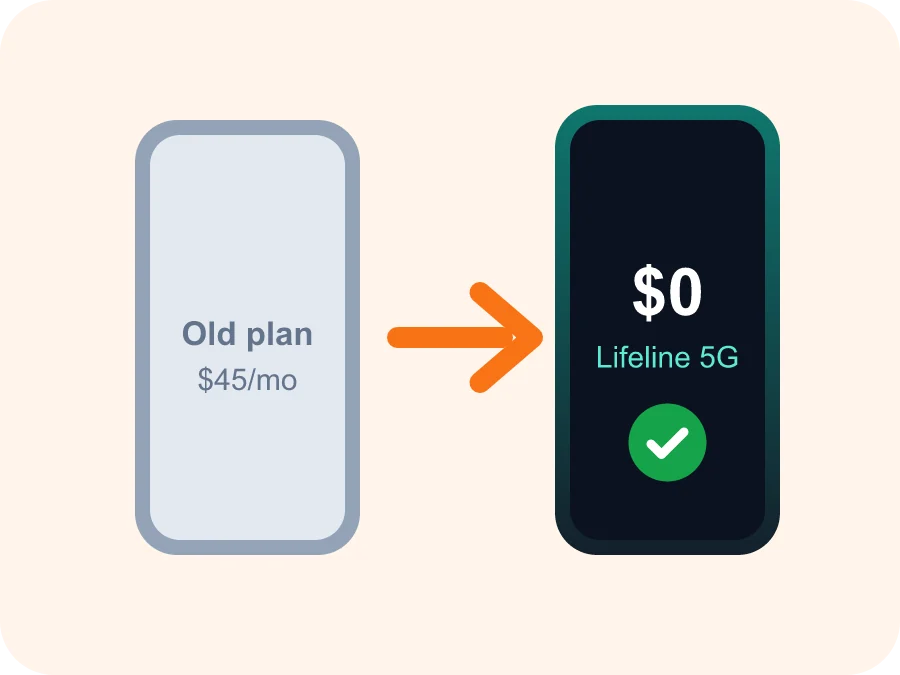
You can bring your own phone to iPhone Government's Lifeline service if it's unlocked and compatible with 4G LTE or 5G networks. Apply, choose 'Keep my phone', and we'll mail a free SIM card or send an eSIM. Insert or scan it, and your $0 unlimited talk, text and data plan is active, with your number ported for free.
Is my phone compatible?
- It's unlocked (not tied to another carrier)
- It supports 4G LTE (VoLTE) or 5G
- It isn't reported lost or stolen
- iPhone 6s or newer, or most Android phones from 2019+
How to switch in 3 steps
- Apply and pick "Keep my phone".
- Get your free SIM card or eSIM.
- Insert, restart, and you're on $0 service.
Want a new phone after all? See Free Phone When You Switch.
Bring-your-own-phone questions
How do I know if my phone is unlocked?
Check Settings › General › About › Carrier Lock on iPhone, or ask your current carrier. Phones paid off for 60+ days can usually be unlocked for free.
Can I use eSIM?
Yes. Most iPhone XR and newer models and recent Samsung phones support eSIM. We'll send a QR code instead of a physical SIM.
Will my apps and photos stay?
Yes. Swapping the SIM doesn't erase anything on your phone.
Ready for your free phone?
Check eligibility and apply online in about 10 minutes. No contract, no credit check, no monthly bill.